
This article explains how to set up and customize your user profile in Trackster.
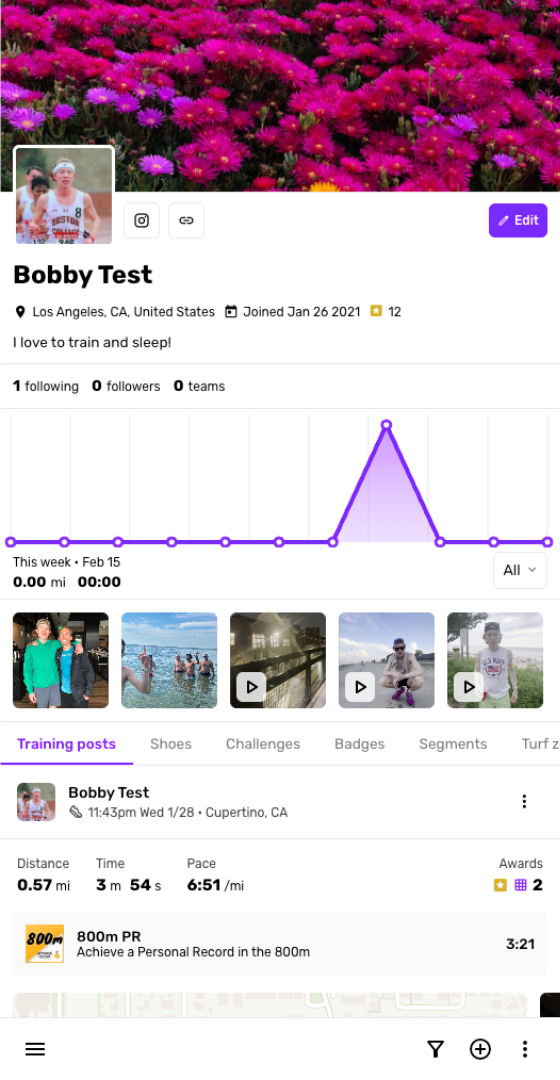
Go to your profile
Navigate to your profile within the app
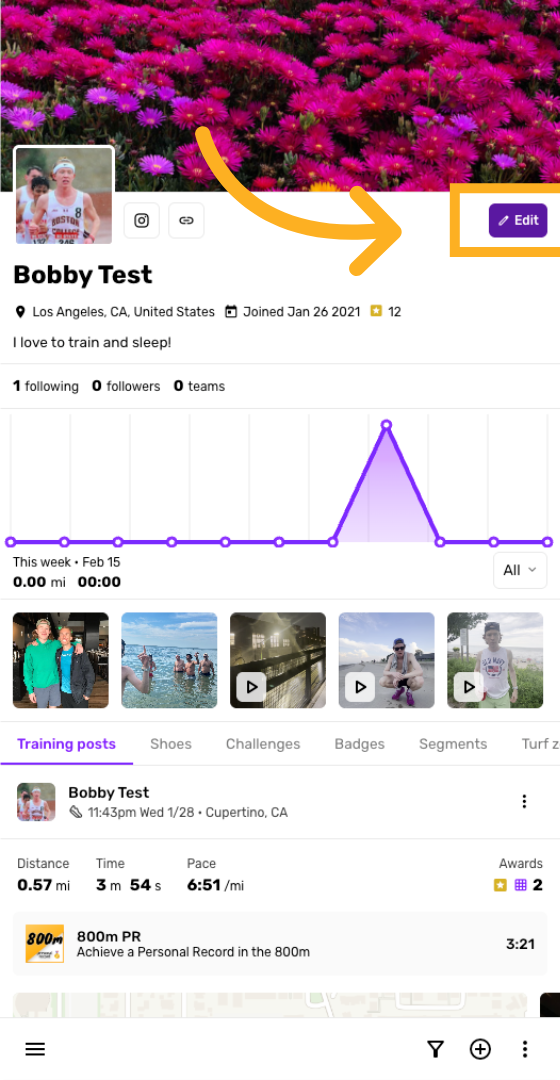
Click Edit Profile
Click the Edit button to modify your profile information.
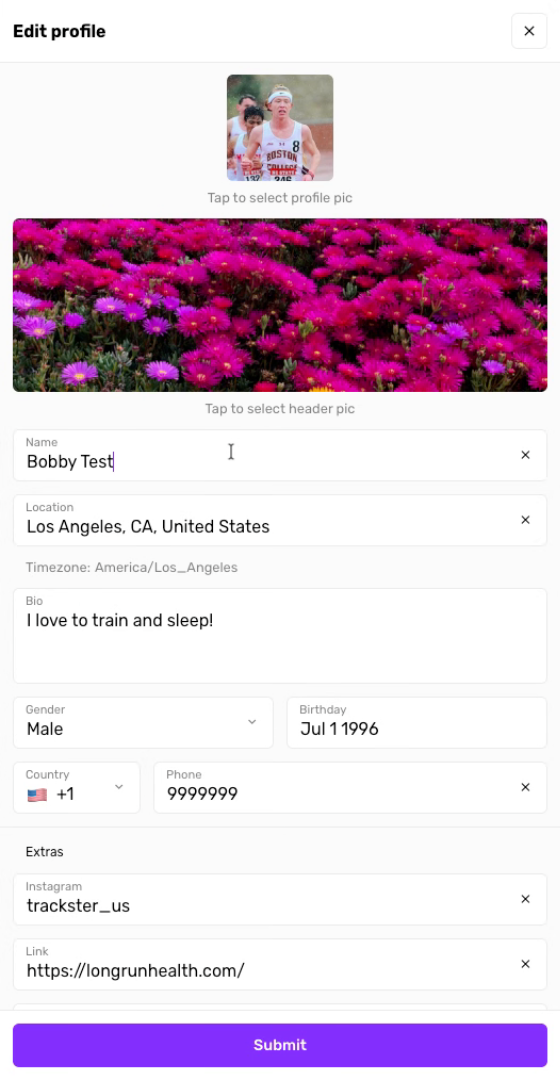
Enter Your Full Name
Enter your full name and other details to update your profile.
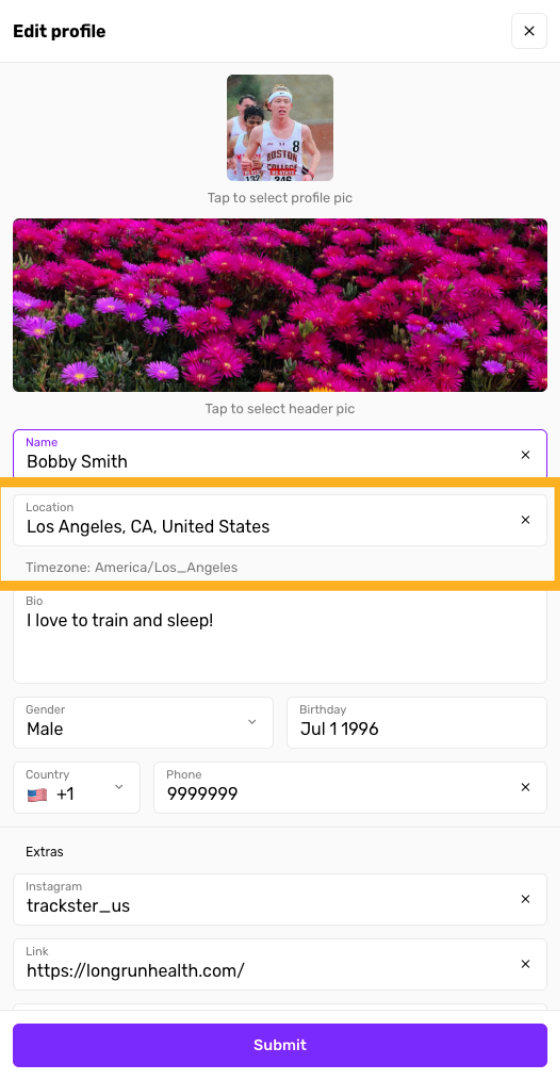
Open Time Zone Menu
Entering a location will also set your timezone which is useful for training plans and other features
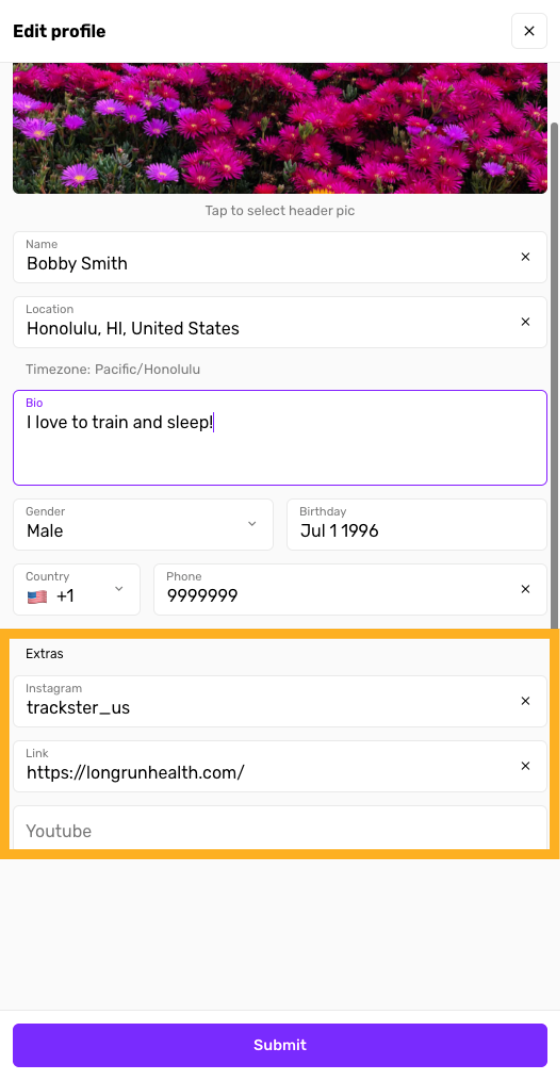
Open Website Field
Enter your social media links and other URLs
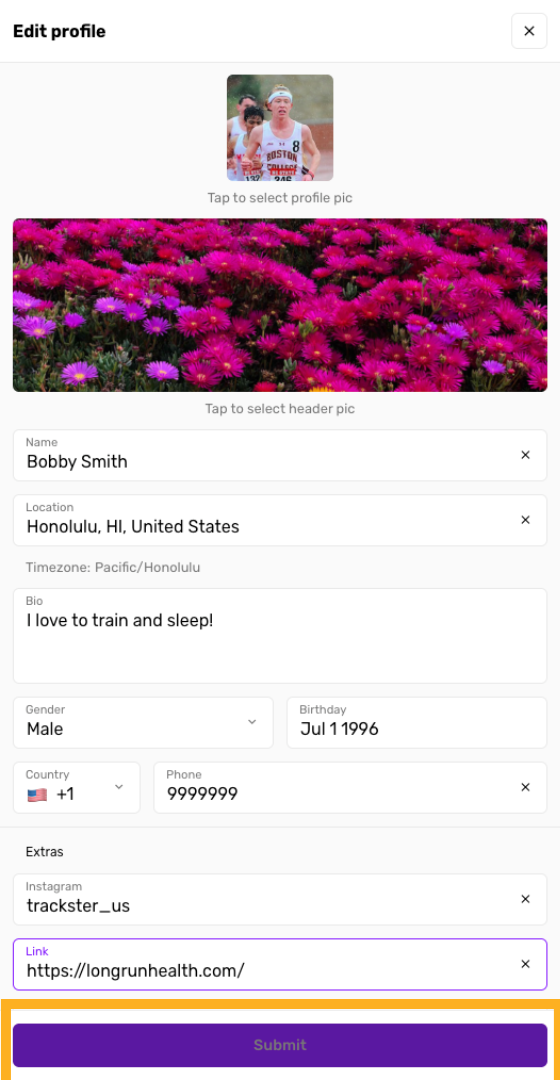
Submit Profile Changes
Click the Submit button to save your profile updates.
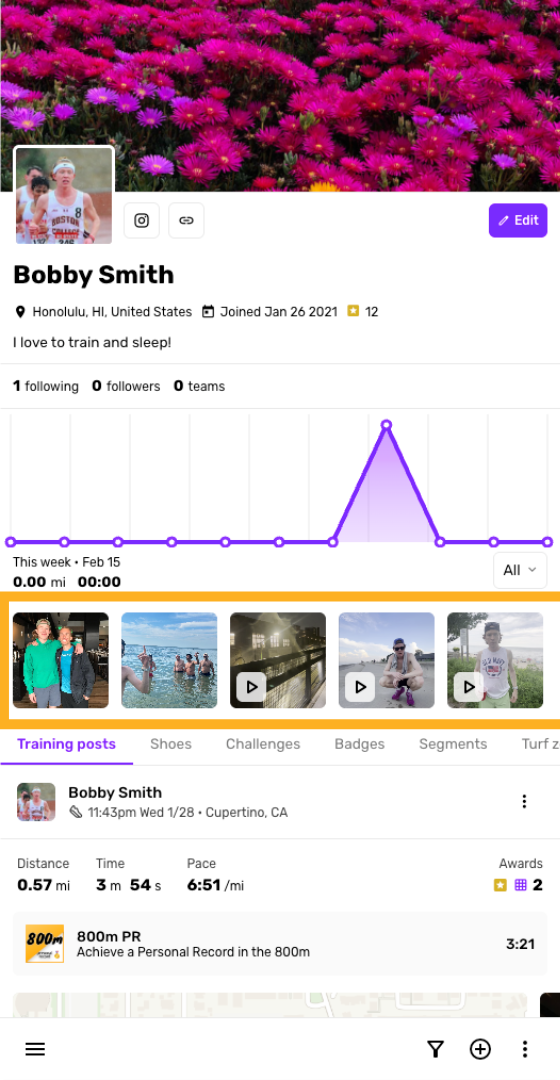
View profile media
Media that are attached to training posts will show up here
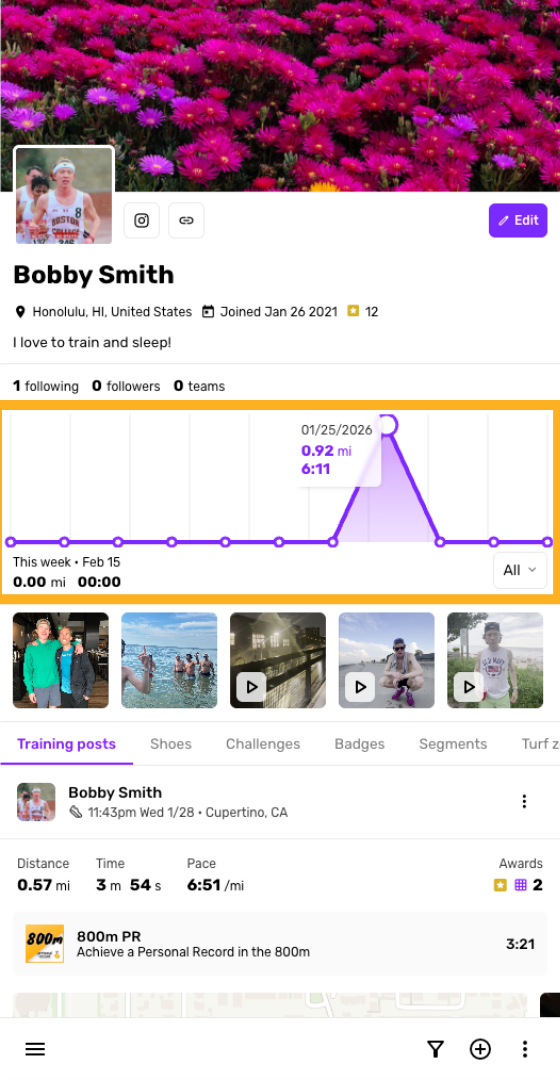
Training insights snapshot
A quick summary of recent training is also visible on your profile
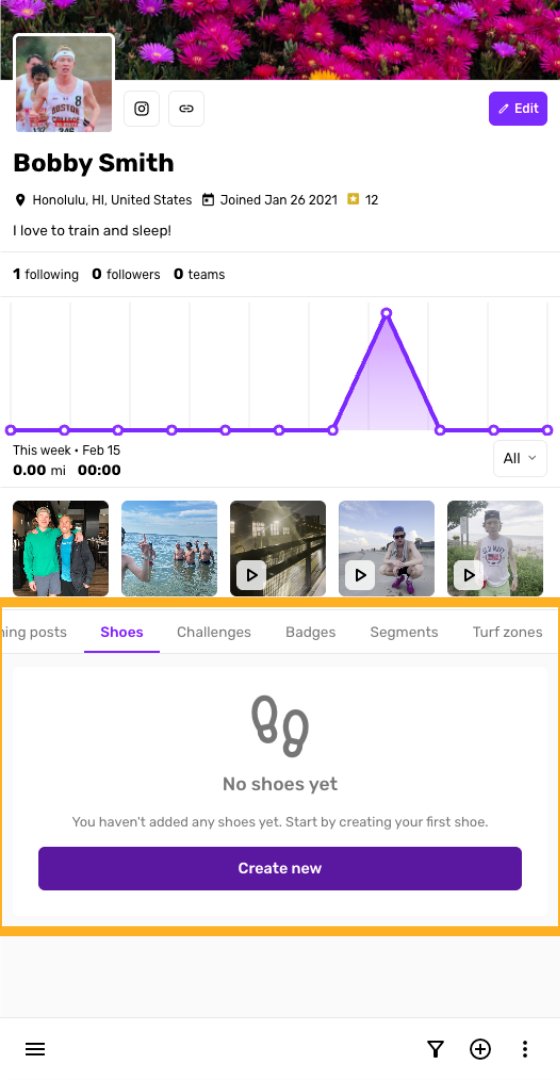
Create shoes
Fill out the rest of your profile - create shoes and more
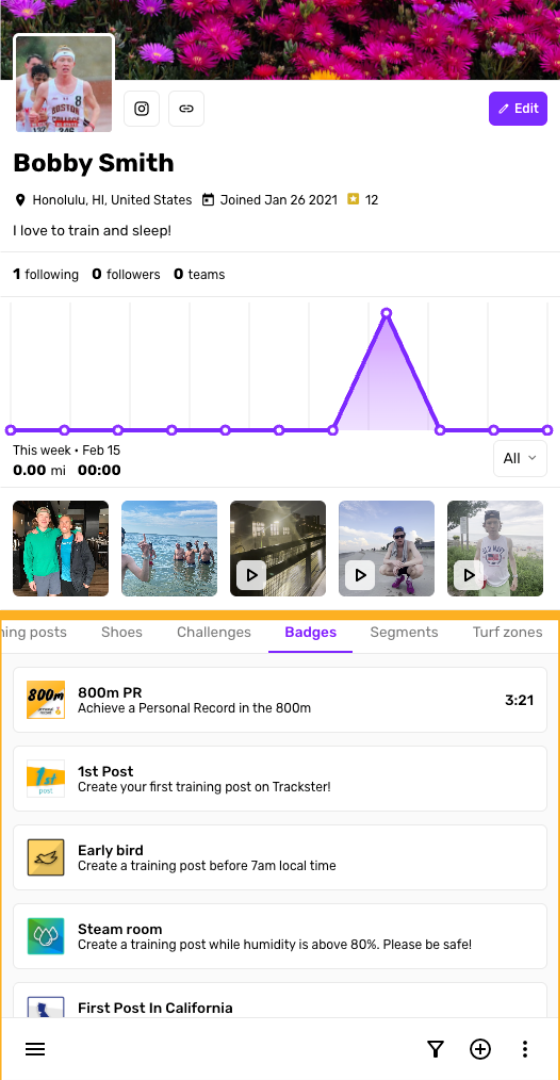
Unlock badges
Create some training posts to unlock badges
You have successfully set up and personalized your Trackster profile!