
This article explains how to reuse templates within a training plan to streamline your workflow
Introduction
You will learn how to select, customize, and manage training plan templates effectively.
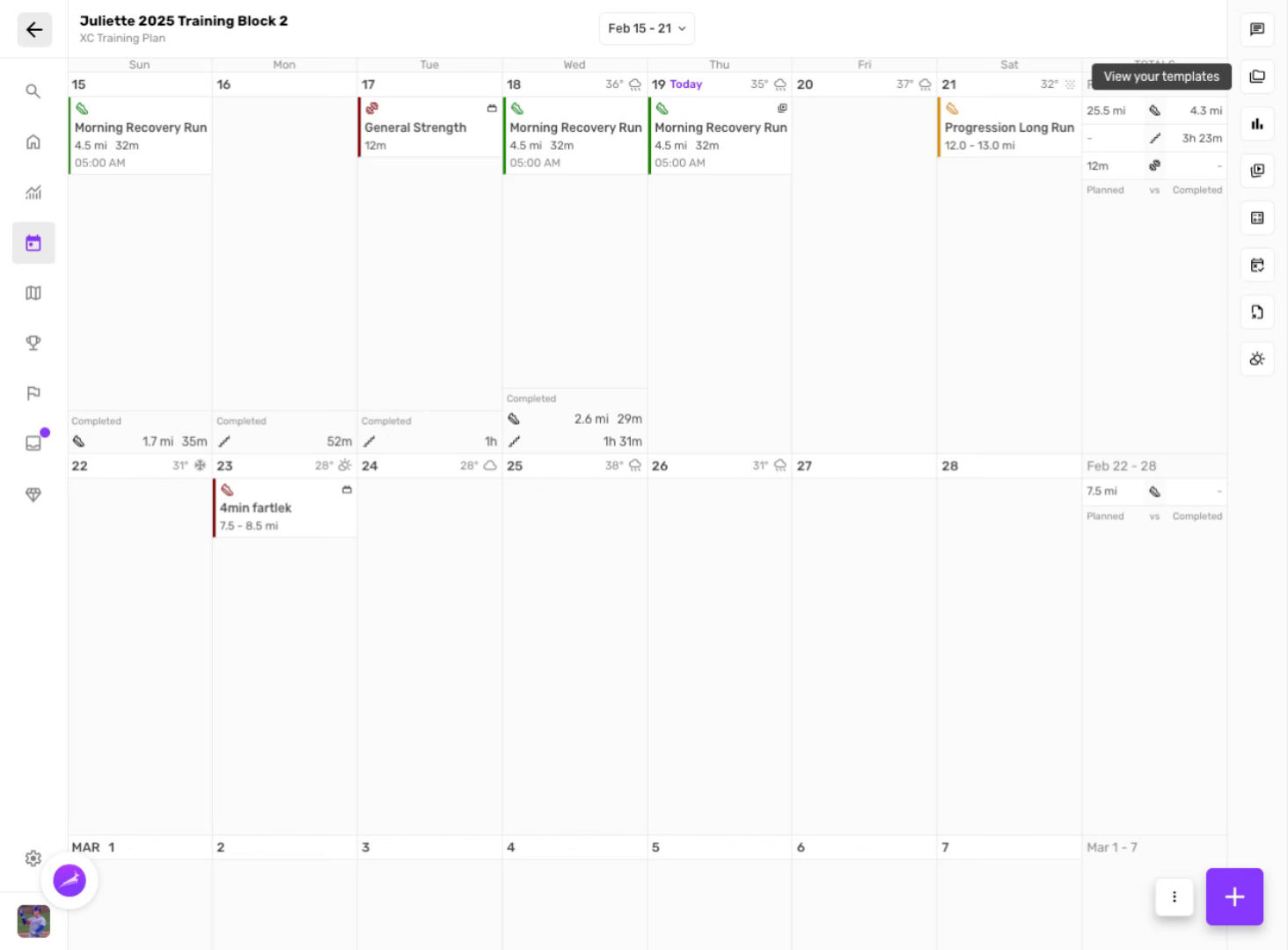
Create new session
Click the "plus" to create a new blank session.
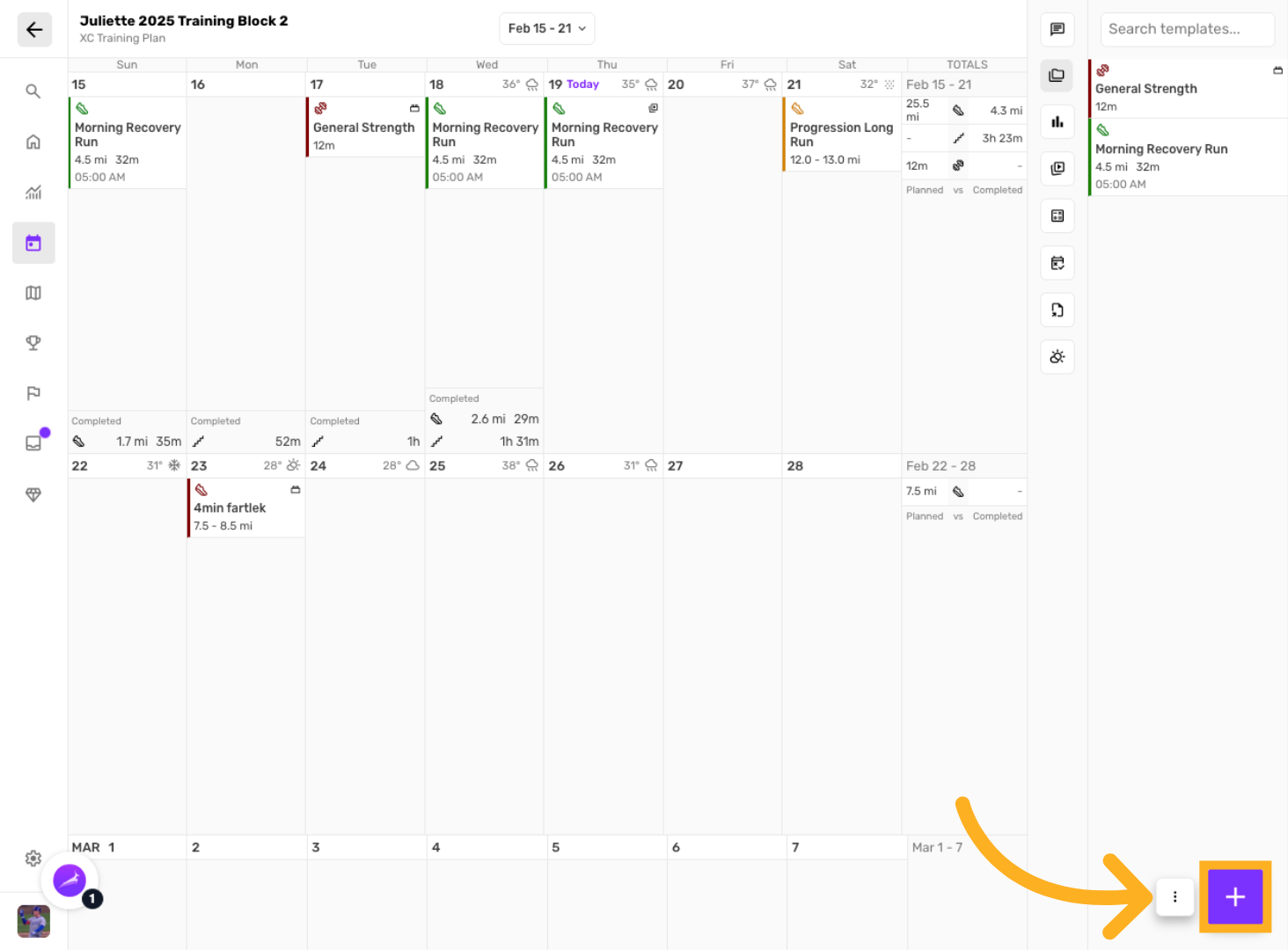
Select "Session"
Choose to create a blank new session
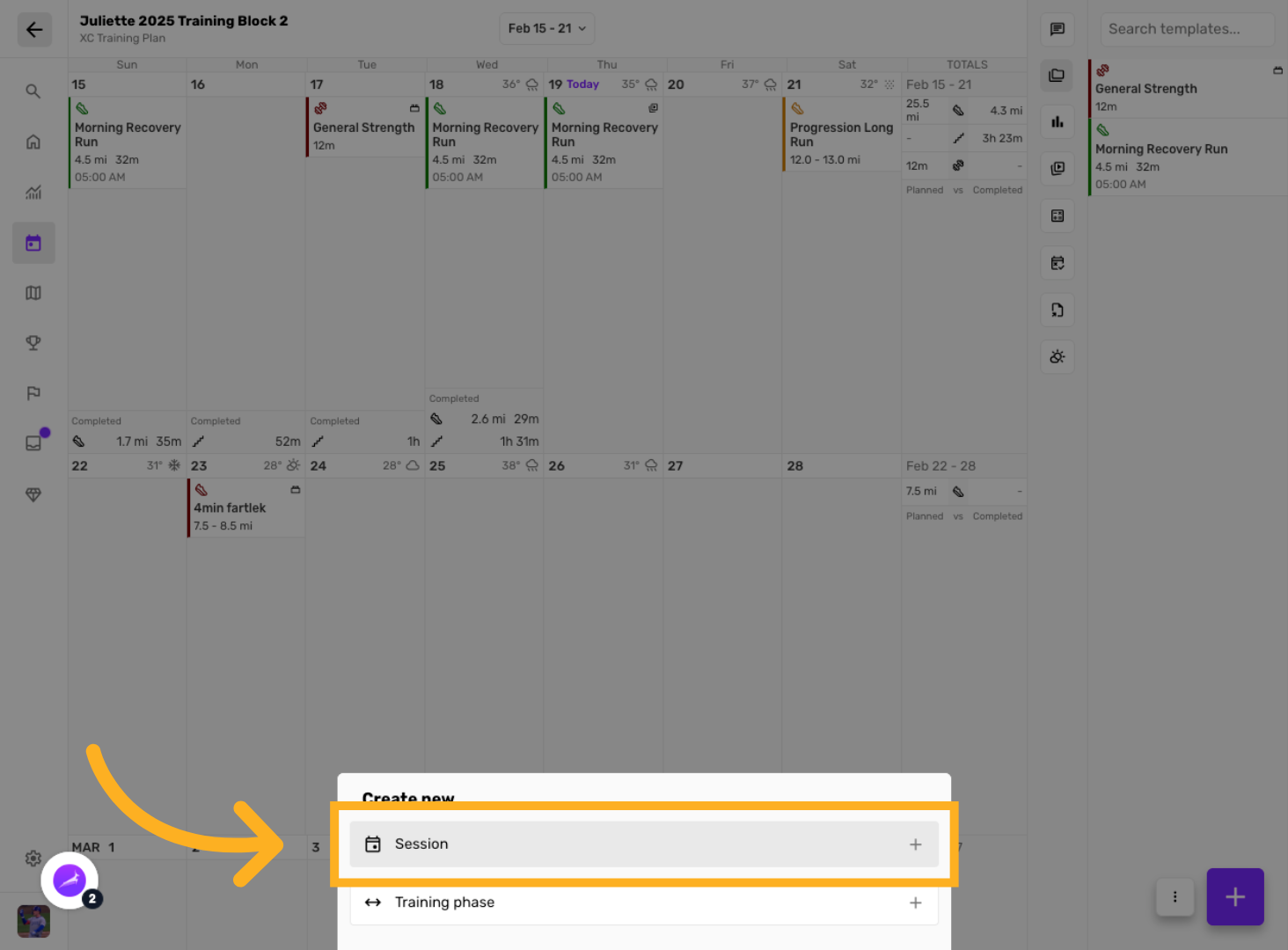
Enter session details
Enter session details for the session you want to save as a template
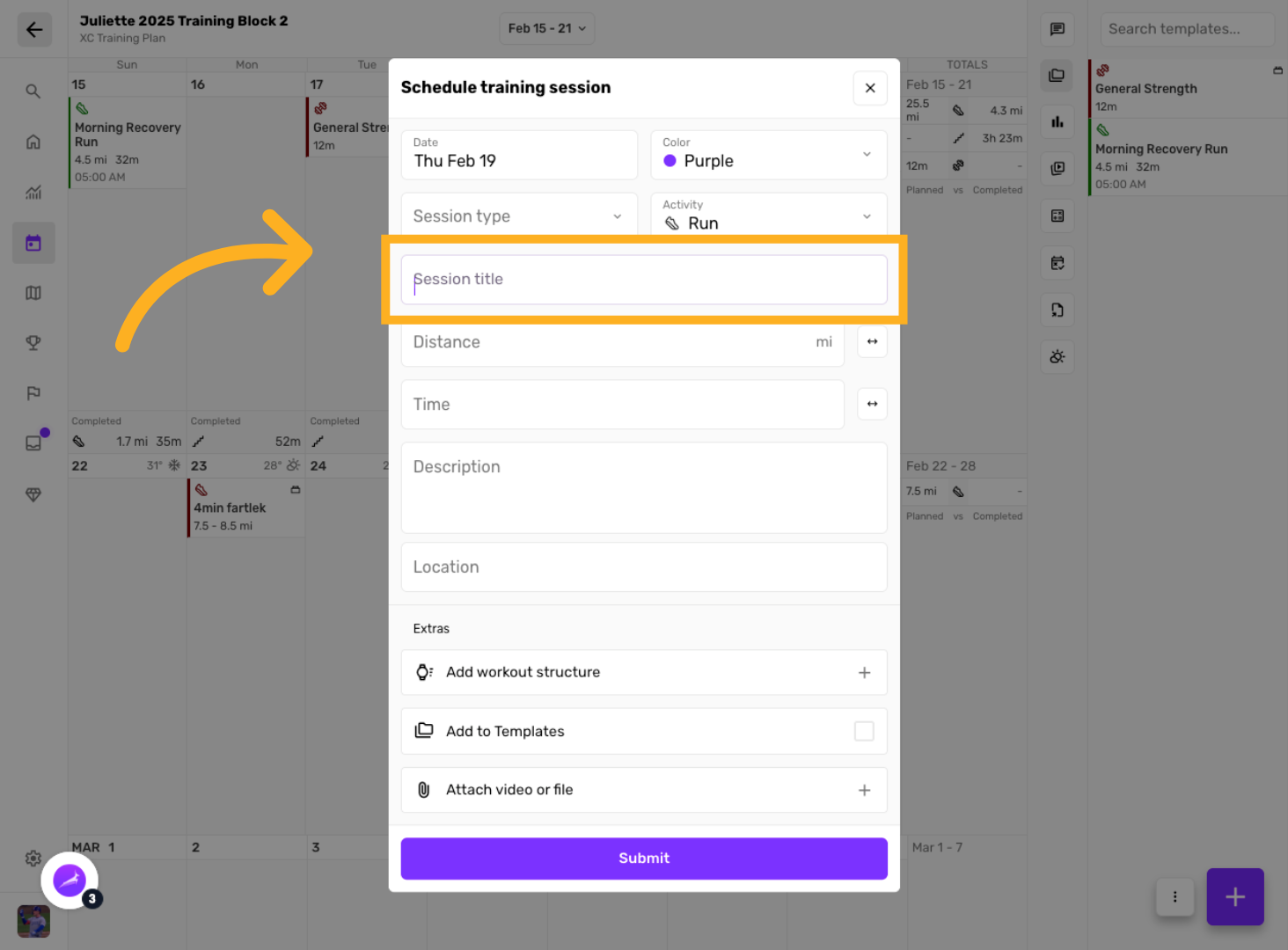
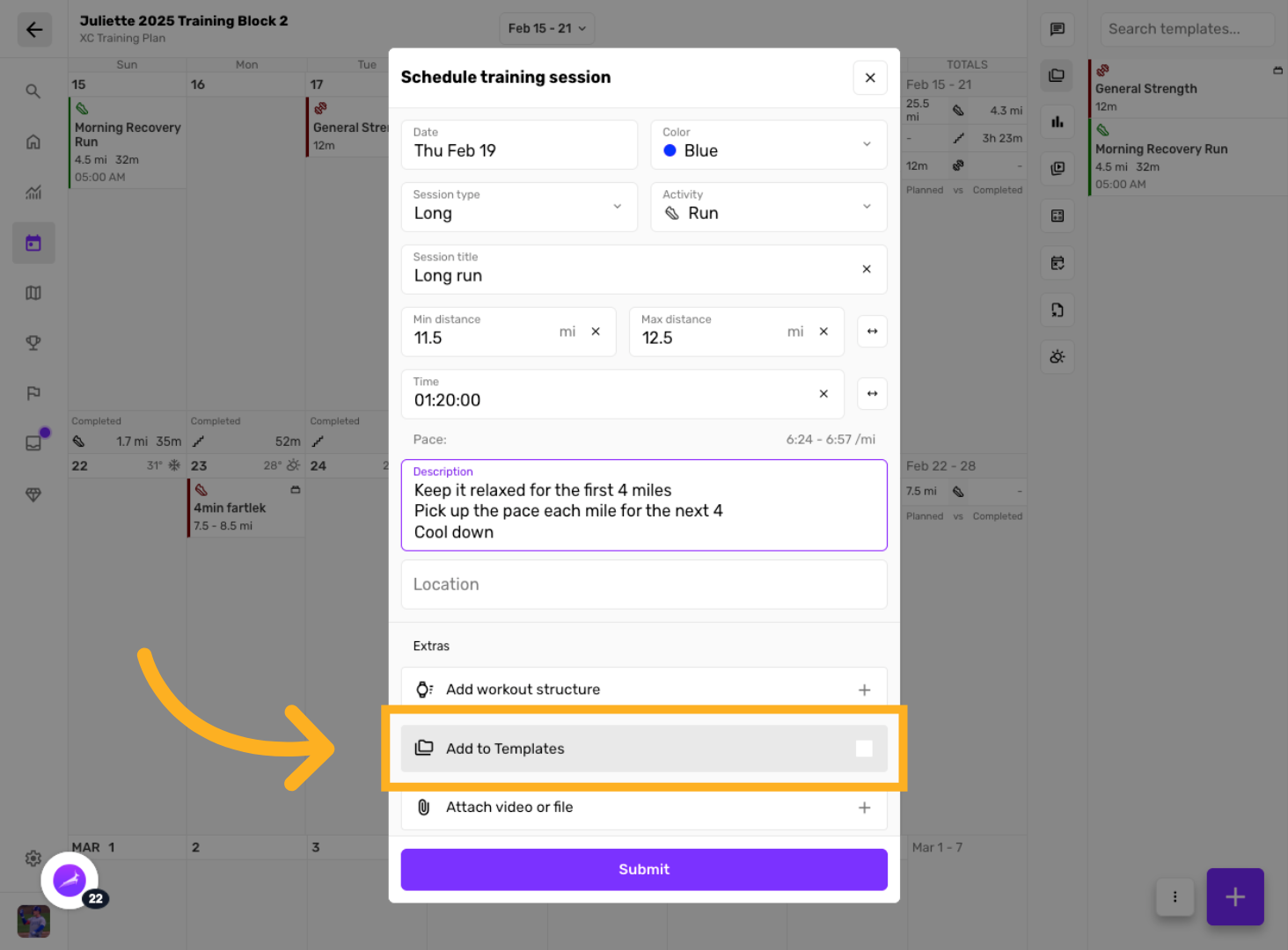
Click "Add To Templates"
This will save the template session for reuse later and in other training plans.
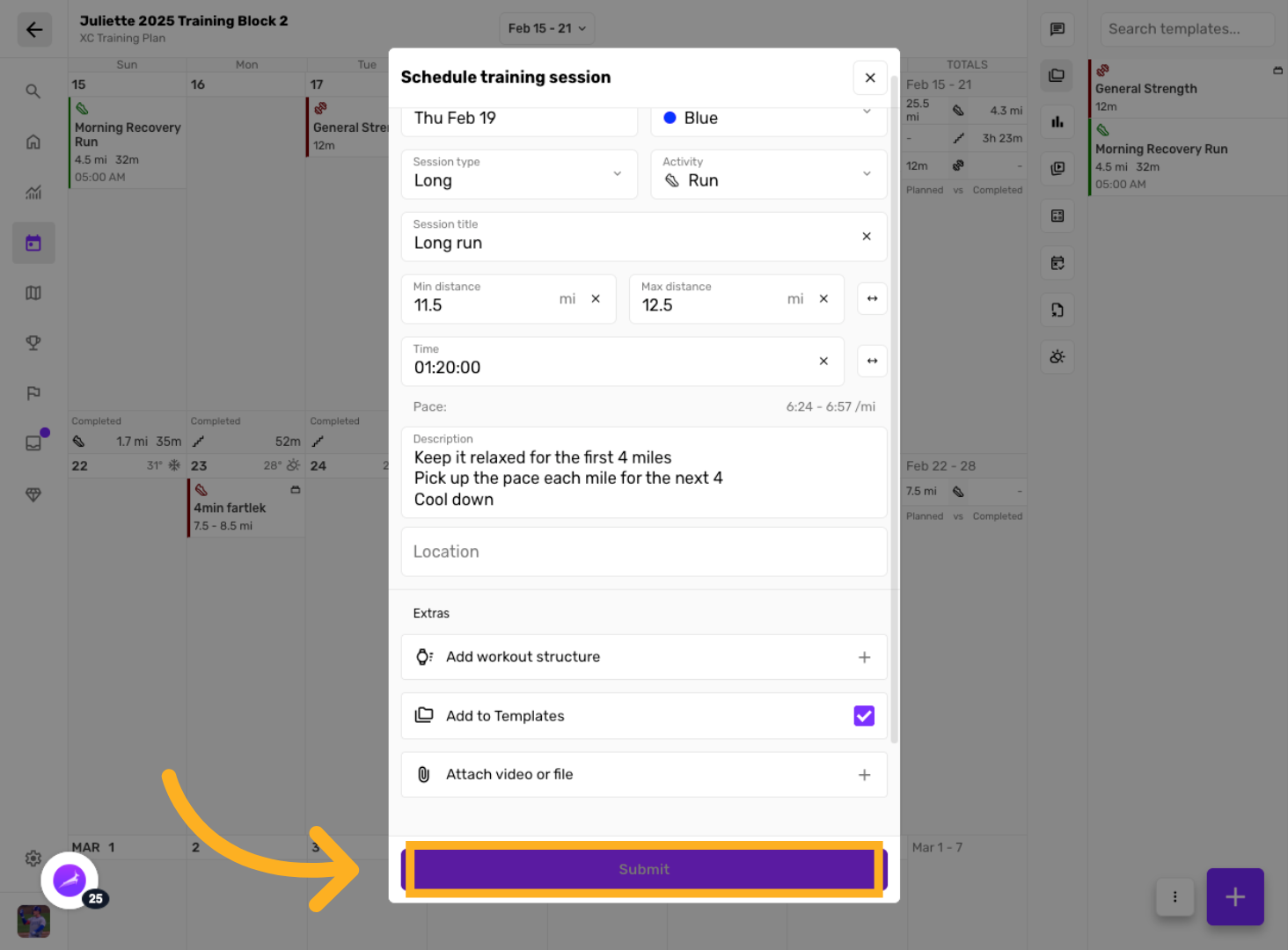
Click "Submit"
Submit the template to save your changes.
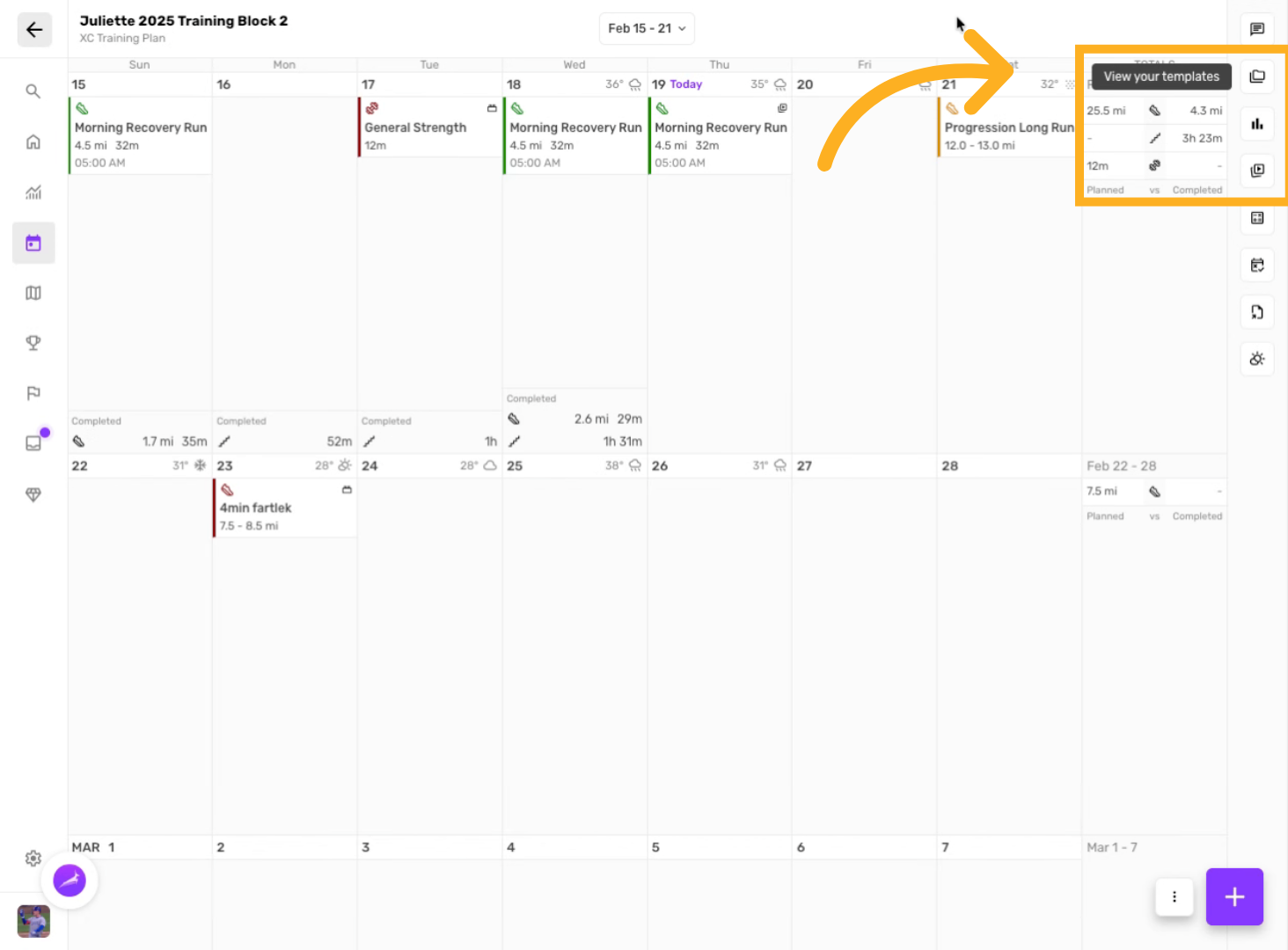
View your templates
Click here to toggle your library of template sessions
Drag & drop templates onto calendar
Search and select for the template session you want to reuse.
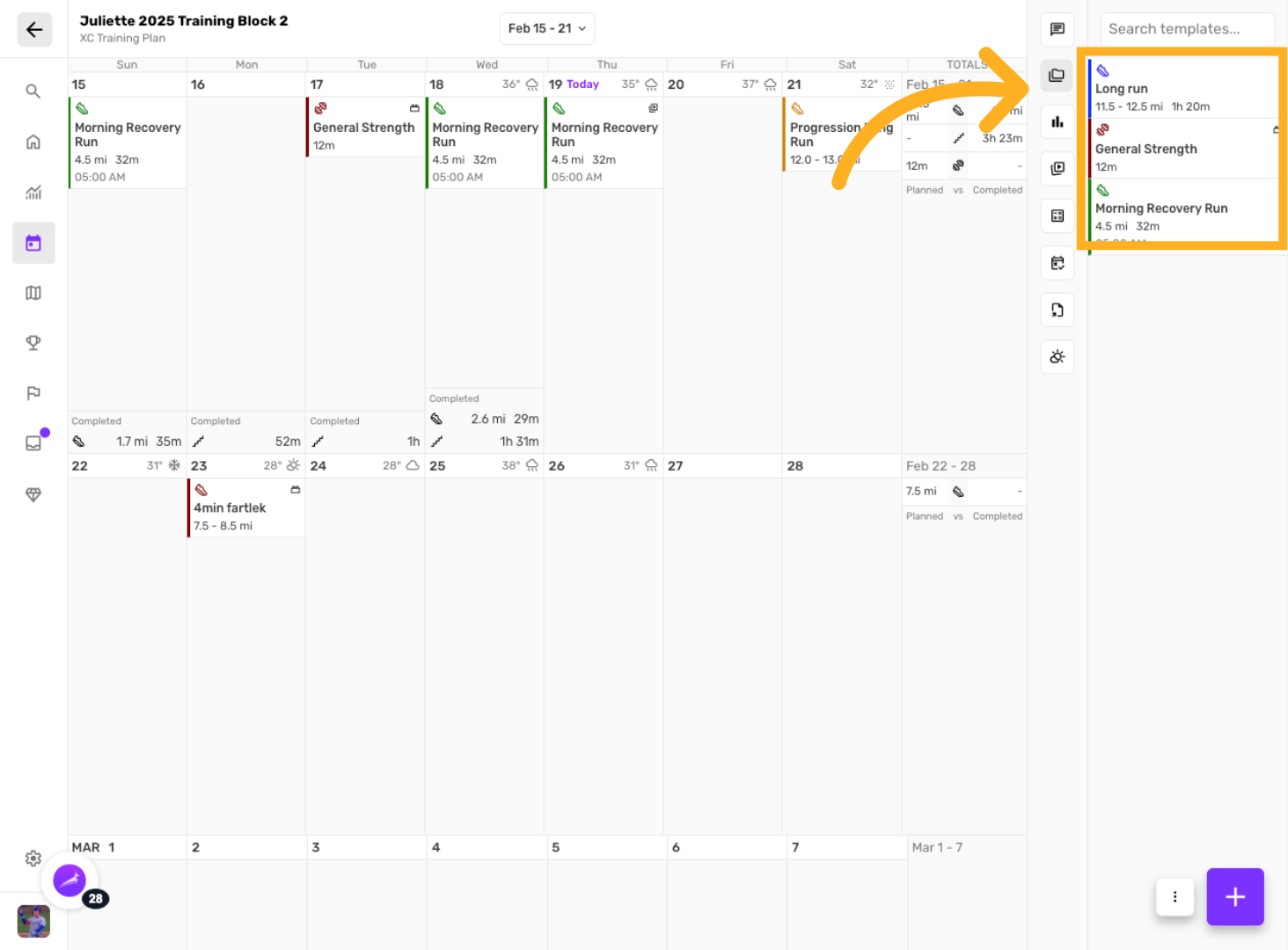
Drag the template onto the day you want to schedule a session upon.