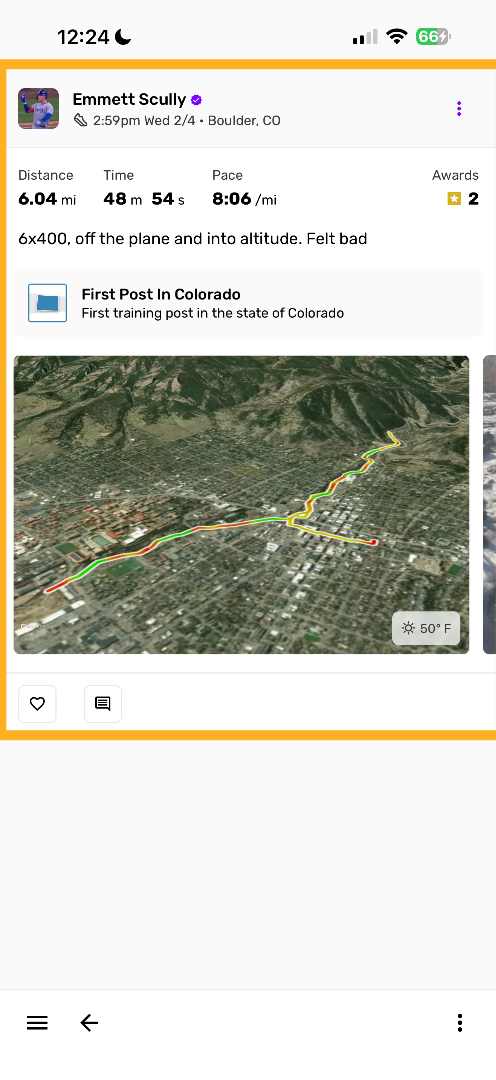
This article illustrates how folks can edit their training post map with custom styles and gradient lines
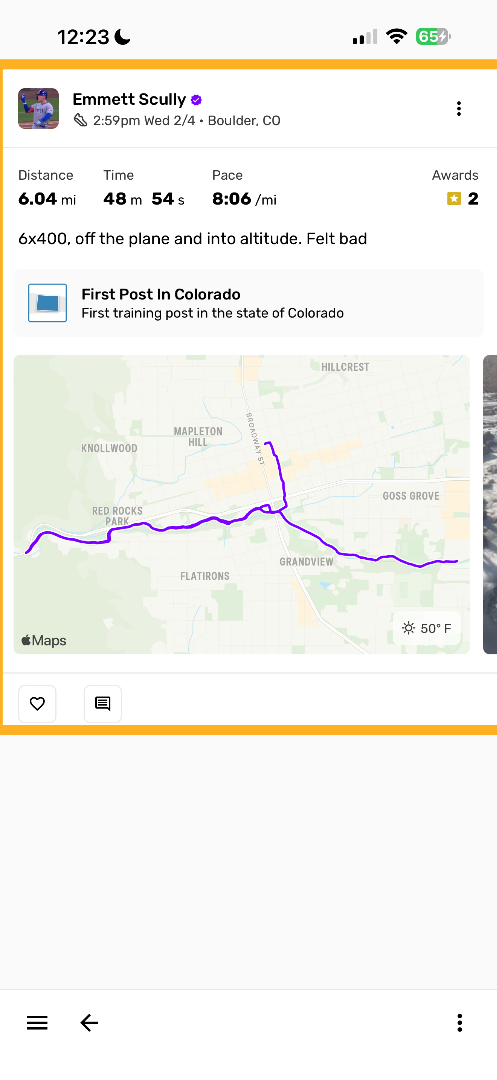
Go to the training post
Find the training post with the map that you would like to customize
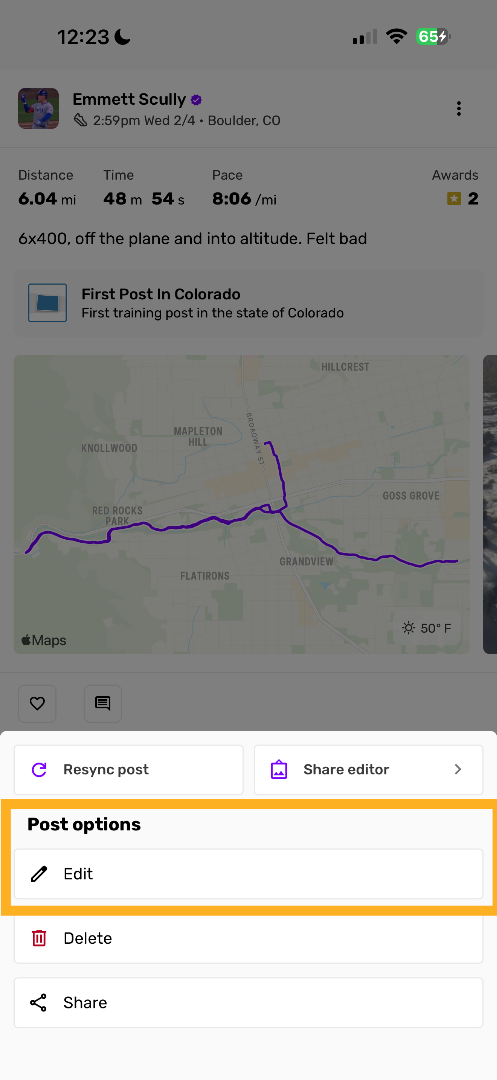
Edit training post
Select the option to edit this training post
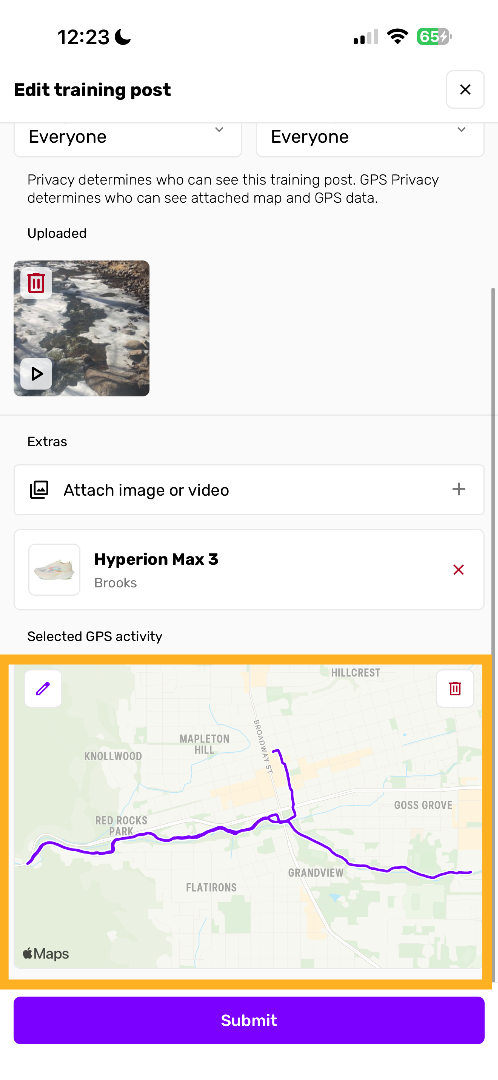
Scroll down to map section
Find the map section on the bottom of the training post form and click the edit (pencil) button
Customize GPS map
Choose from Auto, Satellite, or 3D styles and toggle if you want a gradient line corresponding to your training stats
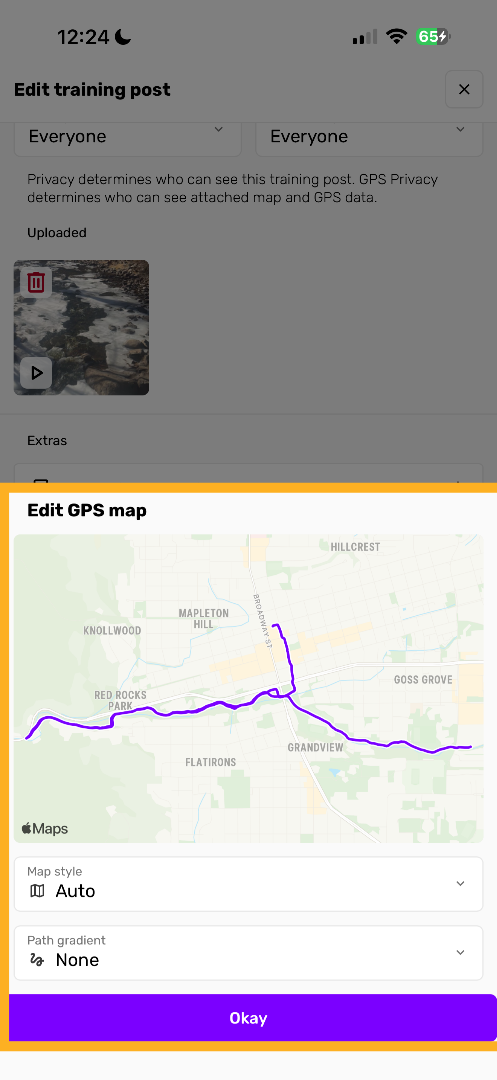
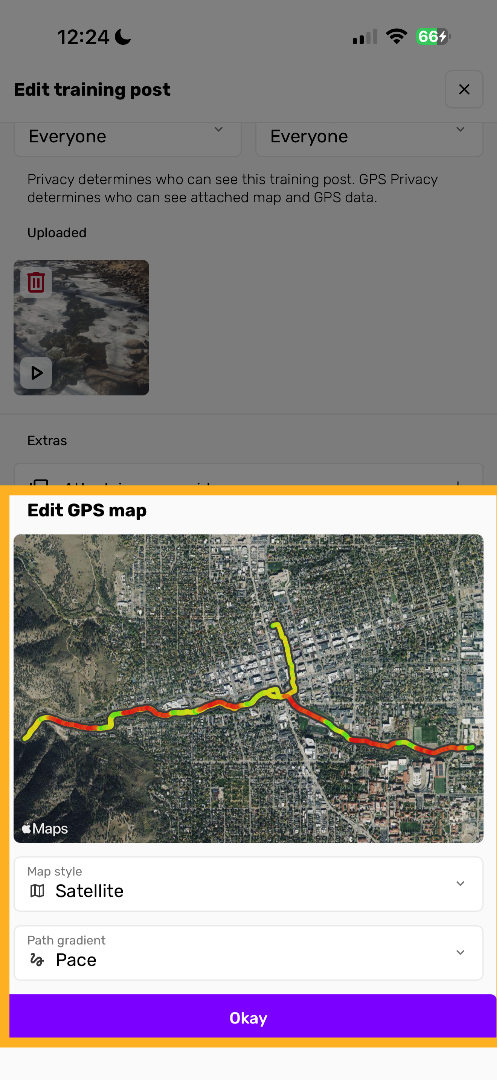
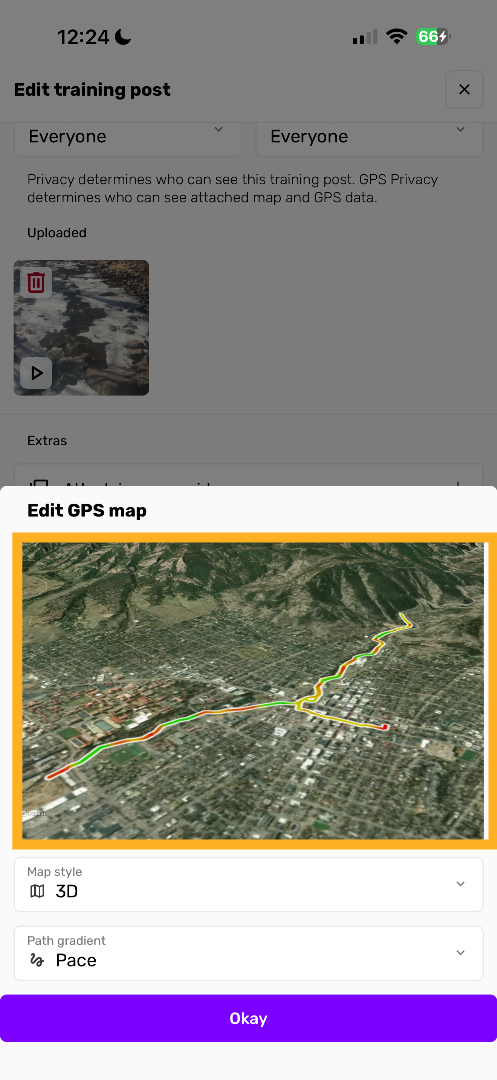
Choose 3D map
This option is only available through the Trackster mobile apps (iOS and Android). It is not available on the web platform.
View and tap to move the 3D map of your training so it looks how you like it.
Submit & save
Click "Okay" to submit and save the new version of your map. This will be shown throughout the Trackster app now!