
This article explains how to create a goal to stay on track using Trackster.
Go to Insights
You will learn how to set target dates, durations, and submit your goal for tracking progress.
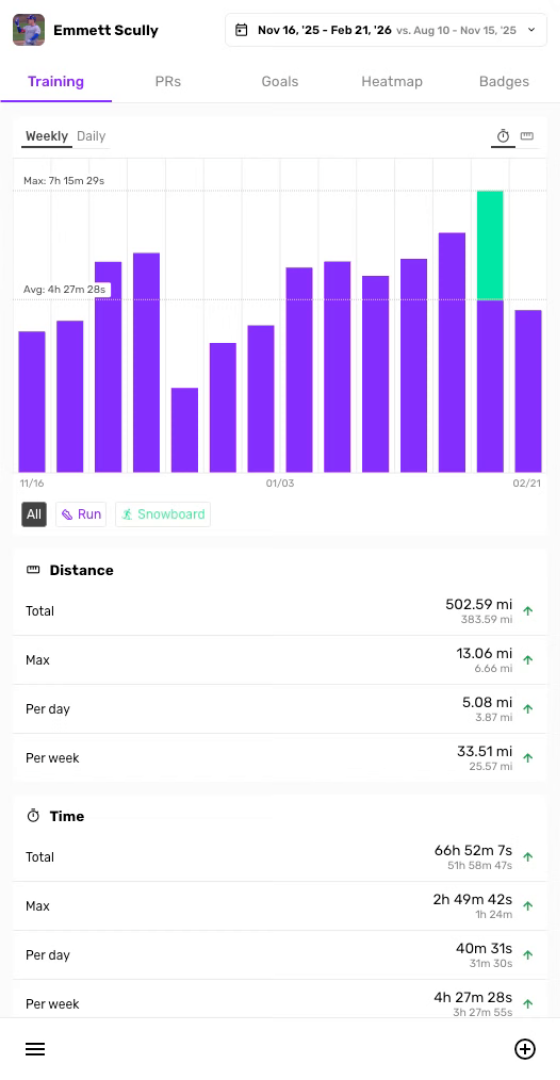
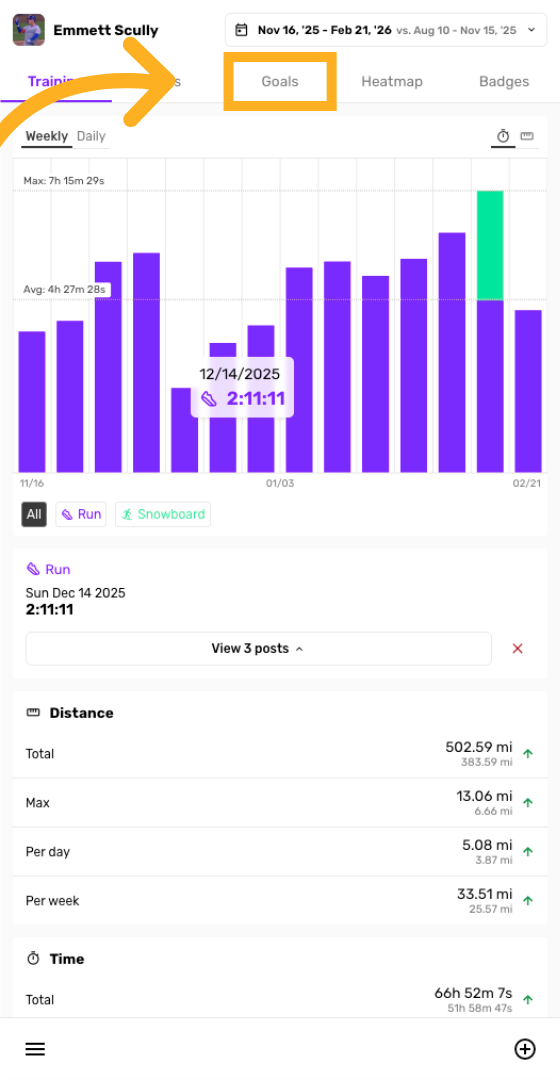
Navigate to Goals Tab
Click the Goals section to begin creating a new goal.
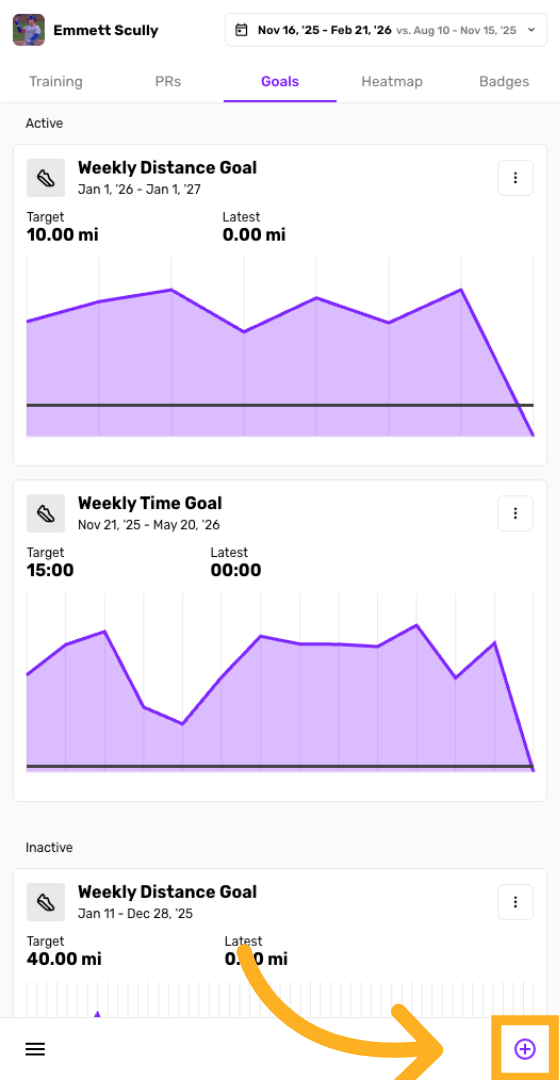
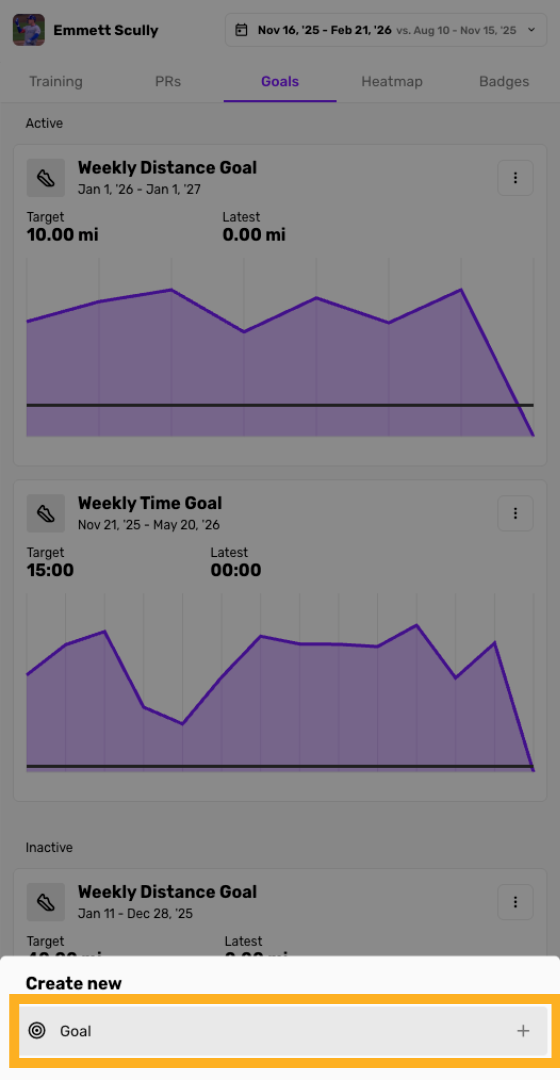
Click button to create Goal
Click the plus button to open the goal creation interface.
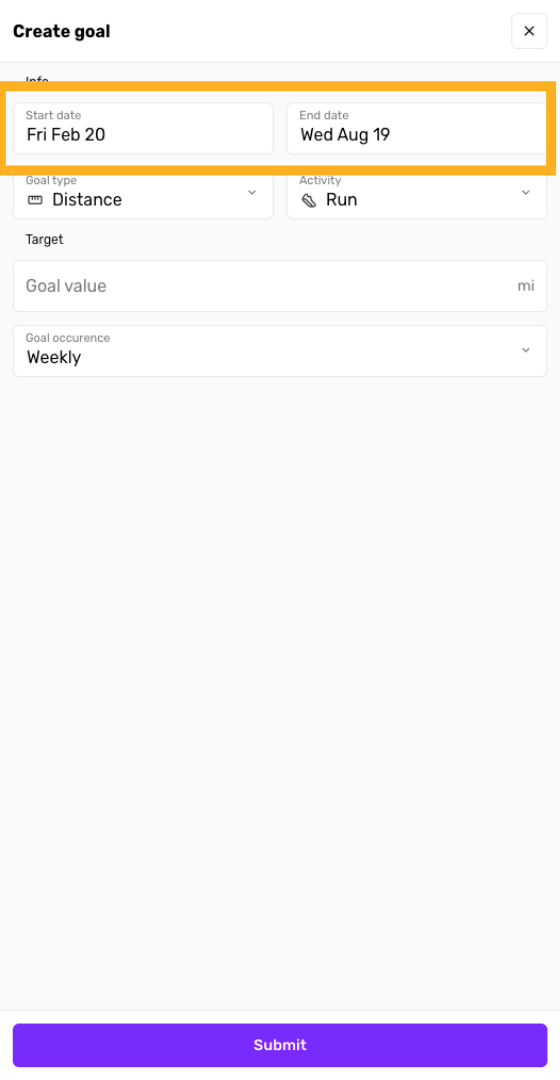
Enter start & end dates for Goal
Click the start date field to select when your goal will begin. Your goal can begin some time in the past and Trackster will calculate your progress up to present day.
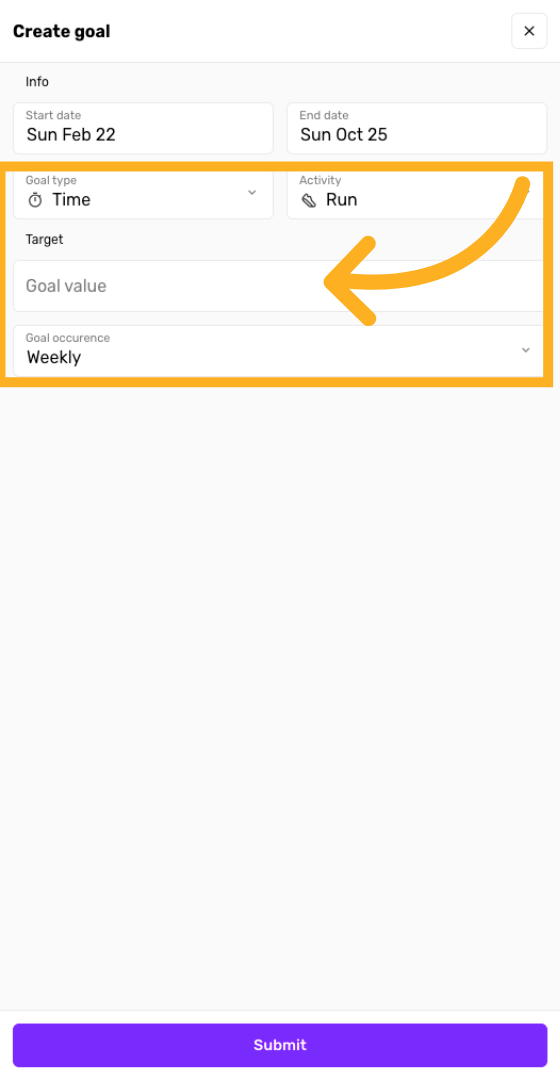
Enter Goal details
Choose time or distance as your Goal type as well as what activity type for the Goal.
Select if you want the Goal occurrence to be Weekly, Monthly or Yearly.
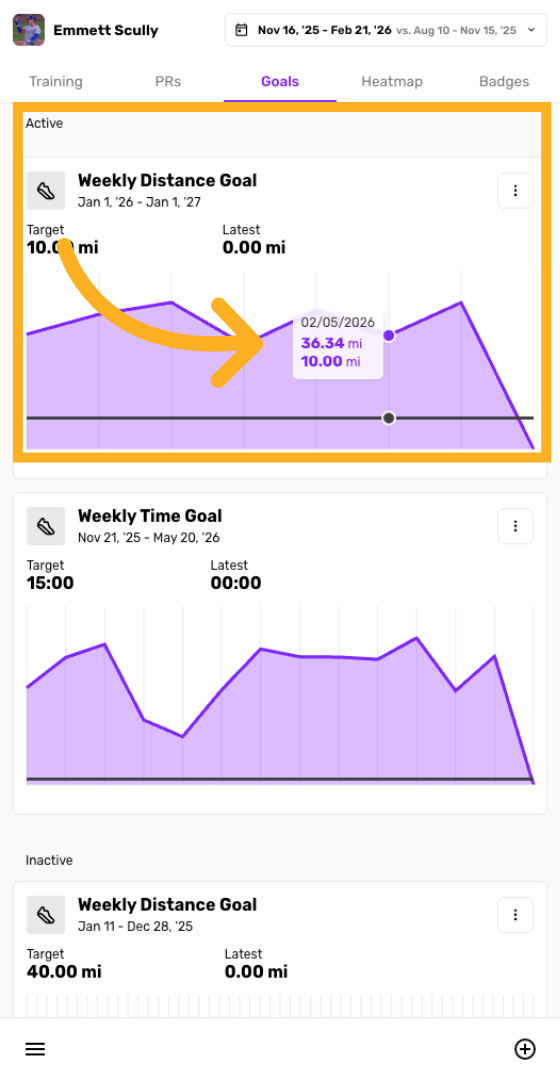
View your Goal progress
Once the goal is created, check out your progress over time compared to your Goal value
You have successfully created and submitted a goal in Trackster to help you stay on track. For more information, explore related articles on goal management and progress tracking within the knowledge base.