
This article explains how to create a training post in Trackster.
MOBILE
Introduction
You will learn the step-by-step process to add details, select workout types, and submit your post.
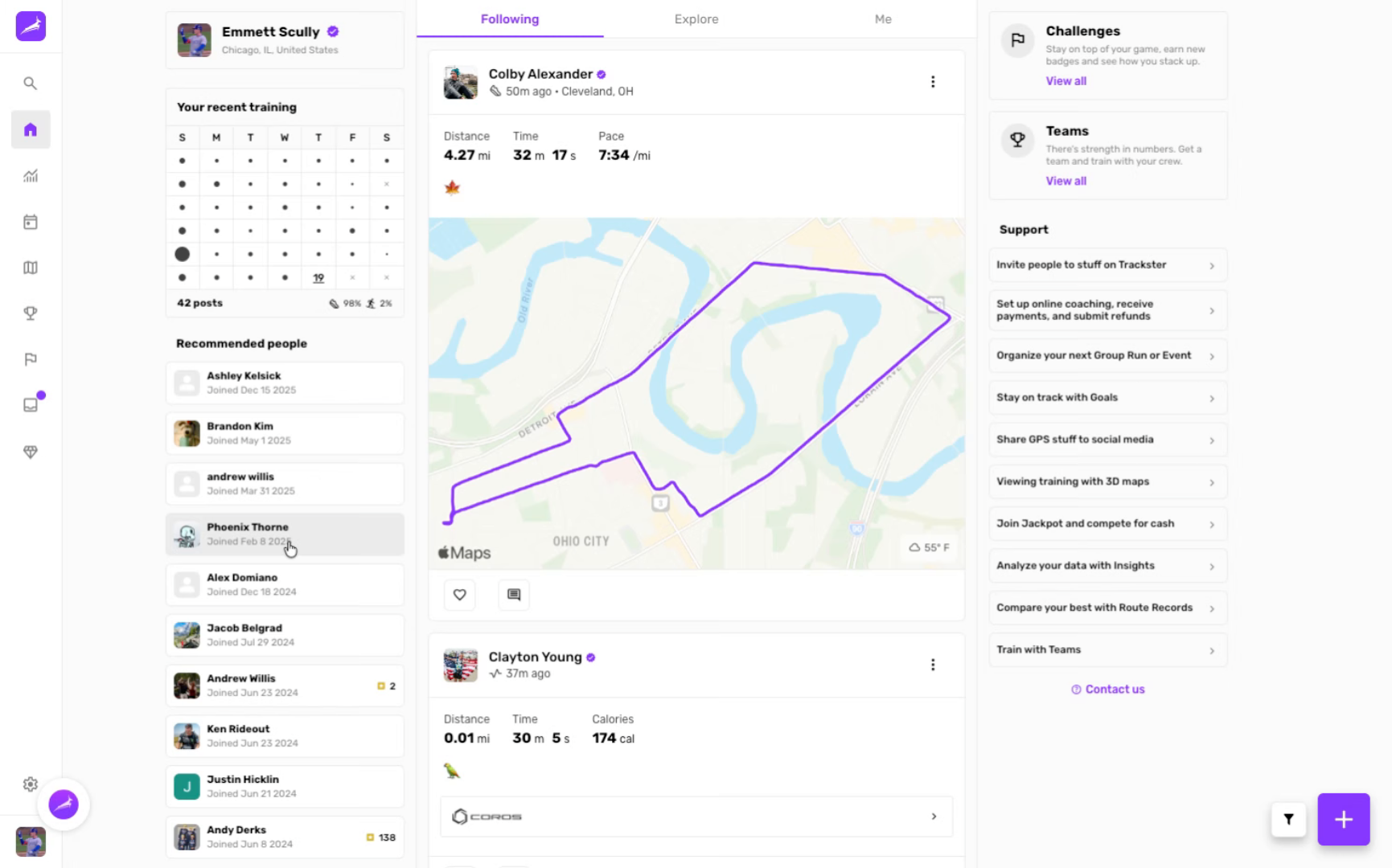
Navigate to Training Section
Click the designated area on the home page to begin creating a training post.
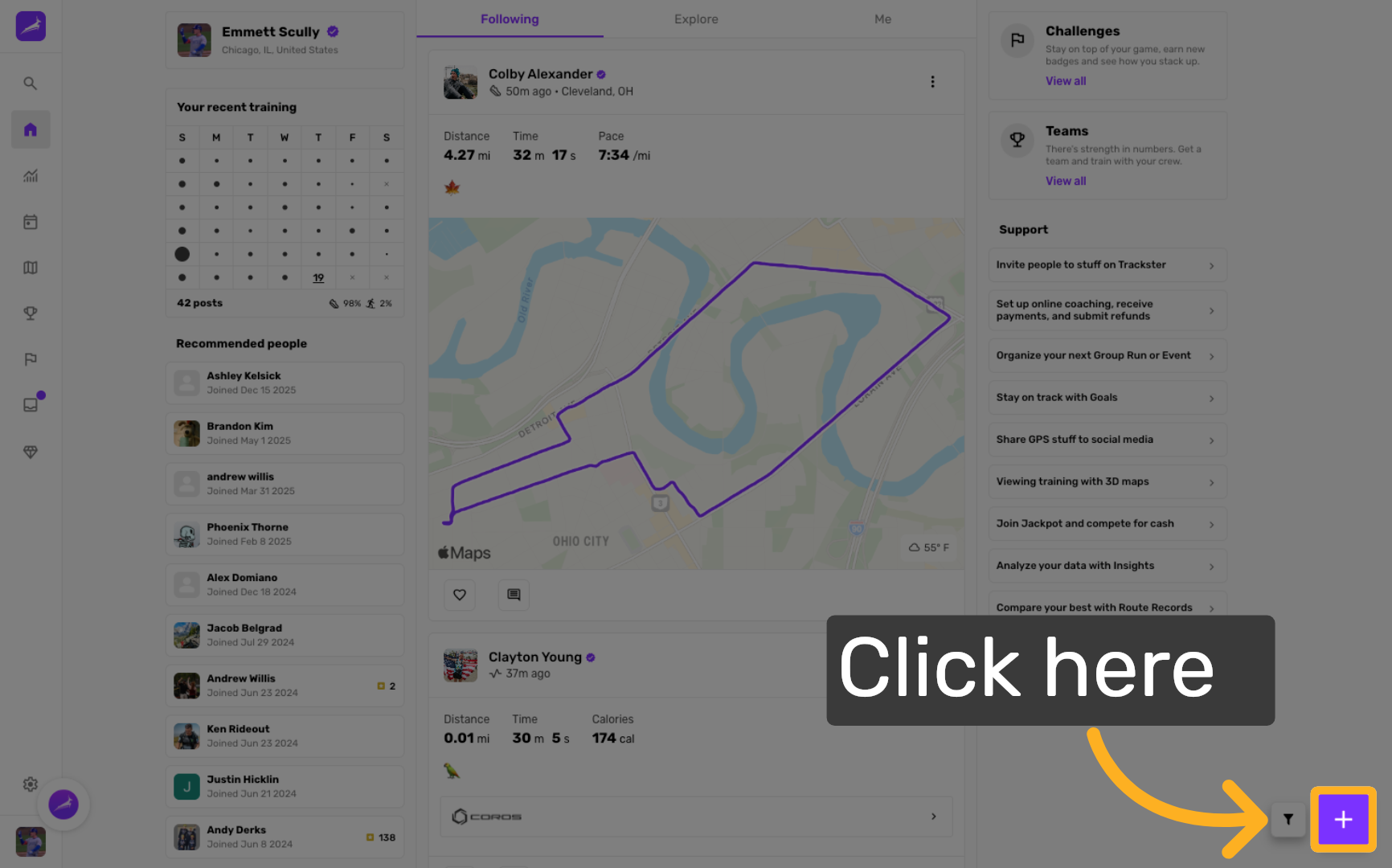
Open Training Post Editor
Click the sticky note labeled for training posts to open the post editor interface.
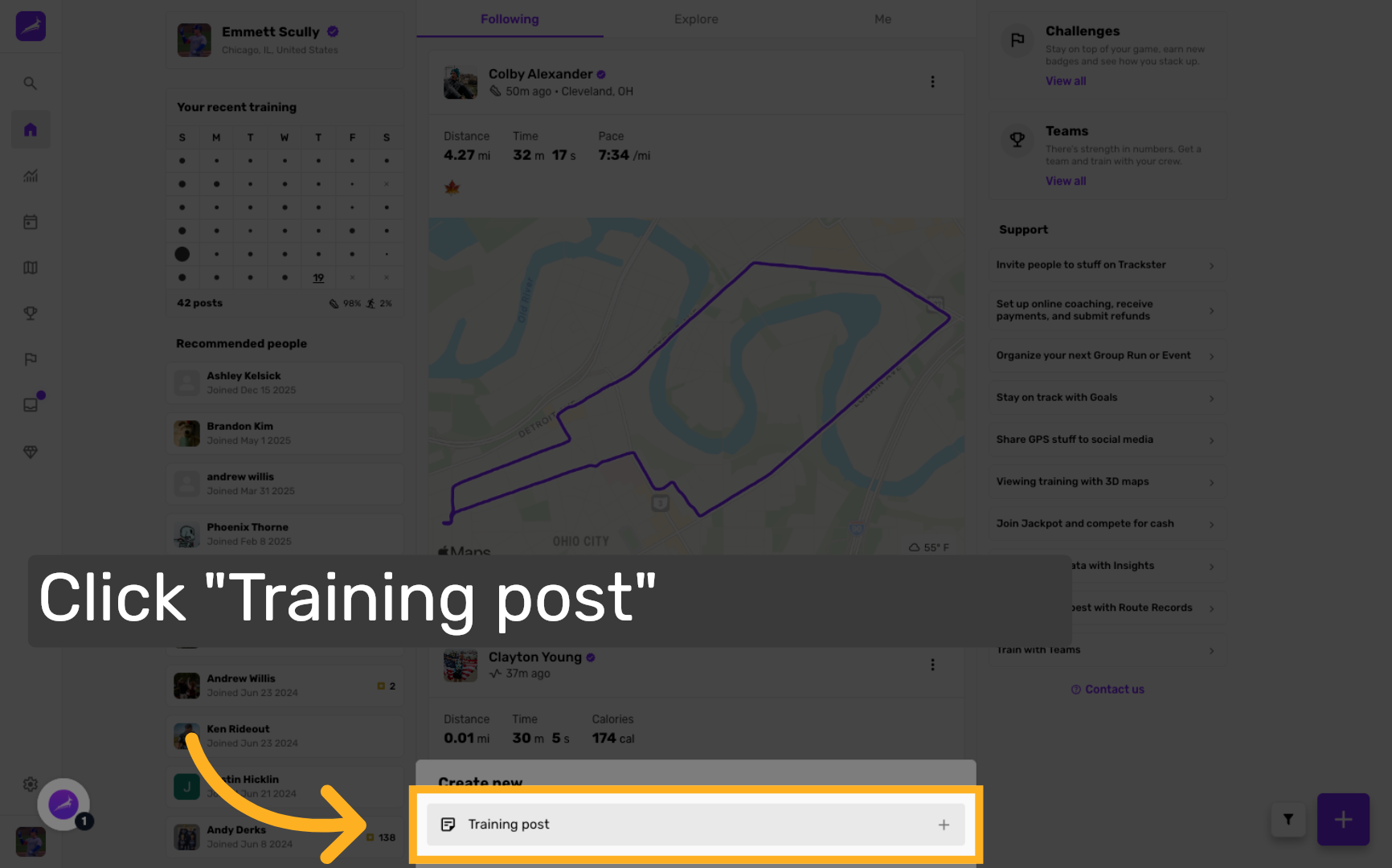
Enter Training Description
Enter a descriptive summary of your training session, such as "Epic day with the team on the trail!" to capture the experience.
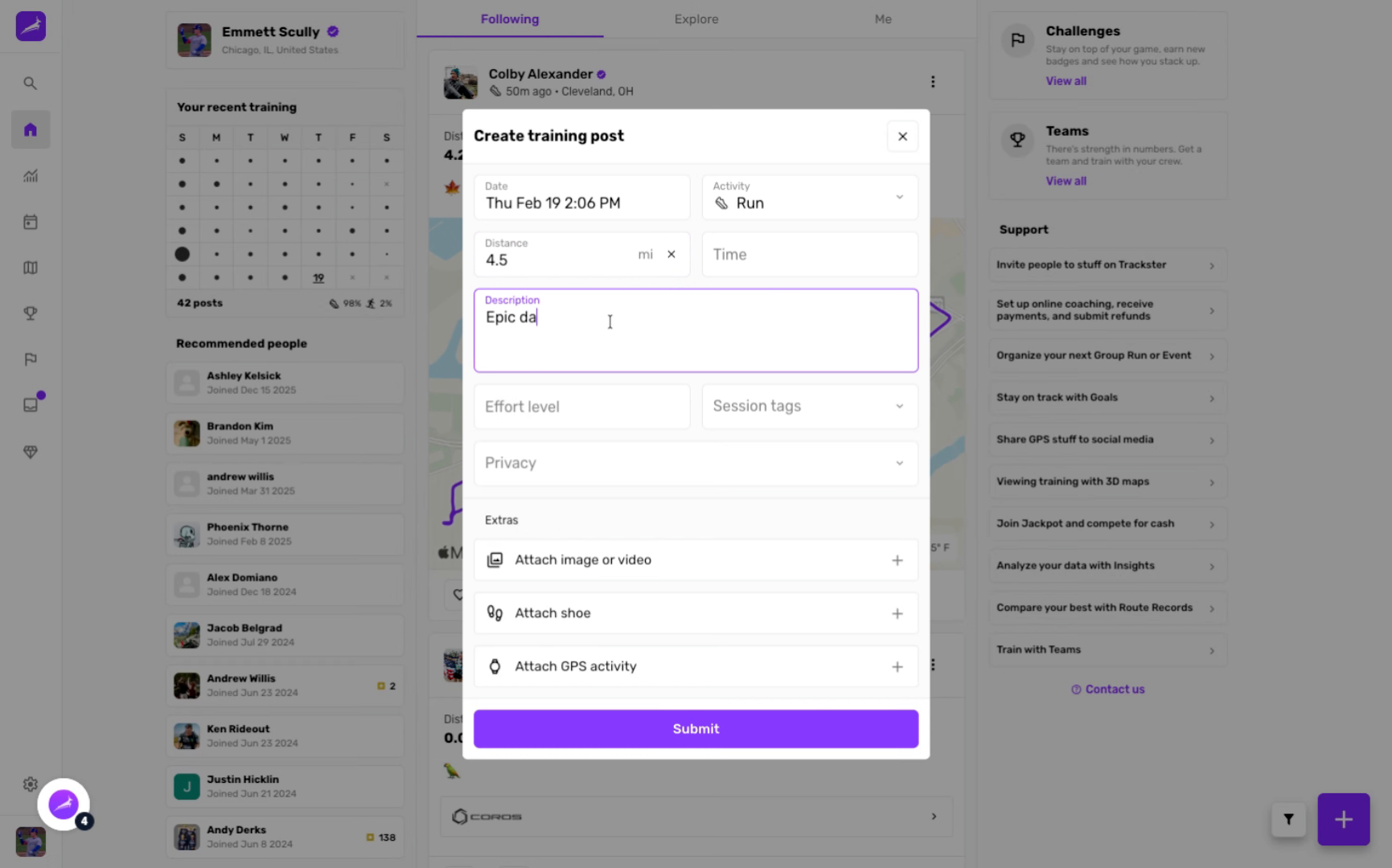
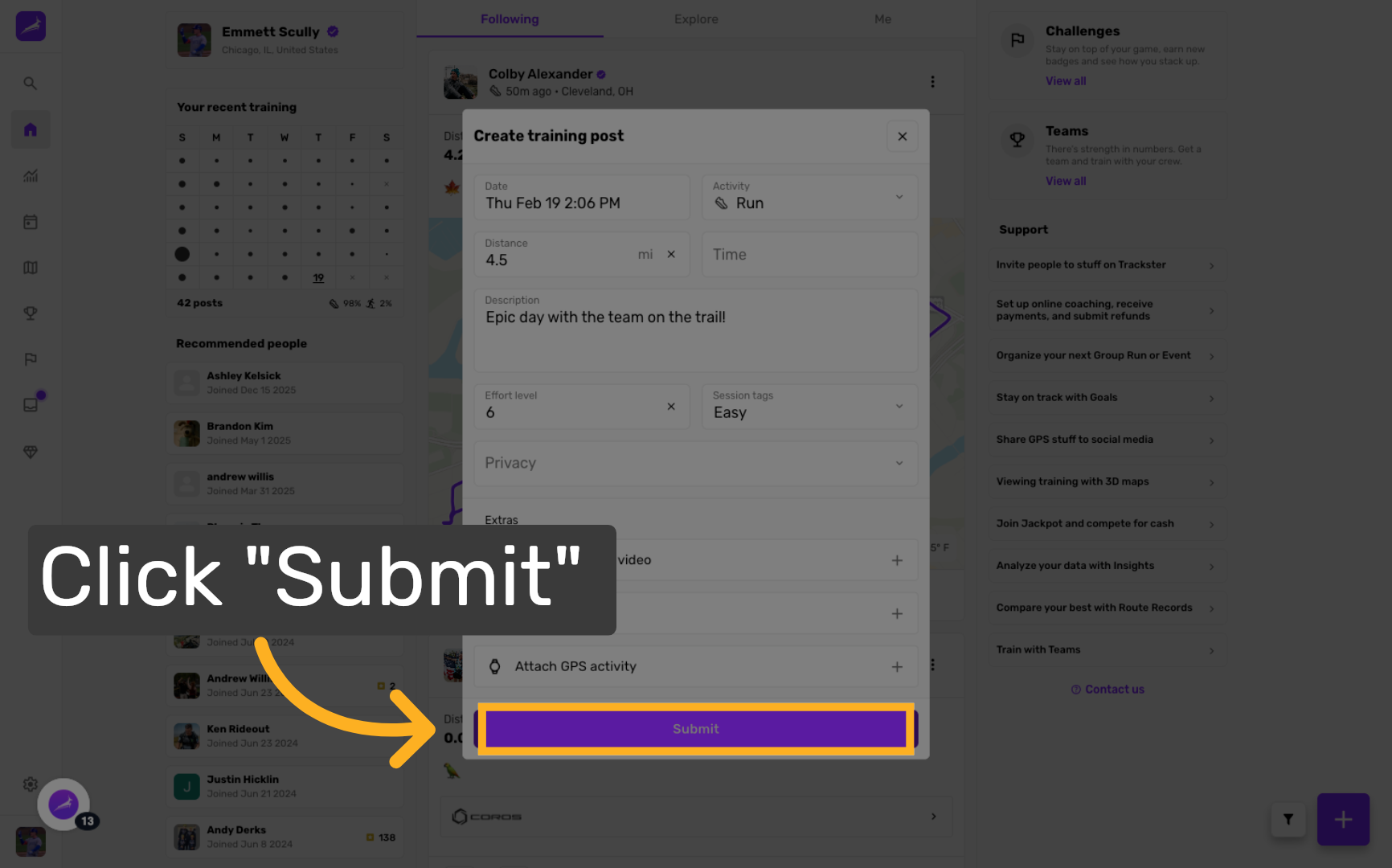
Submit Training Post
Click the Submit button to finalize and publish your training post.
WEB
hey here